Alarm Event Notifications: App, Text and Email Alerts
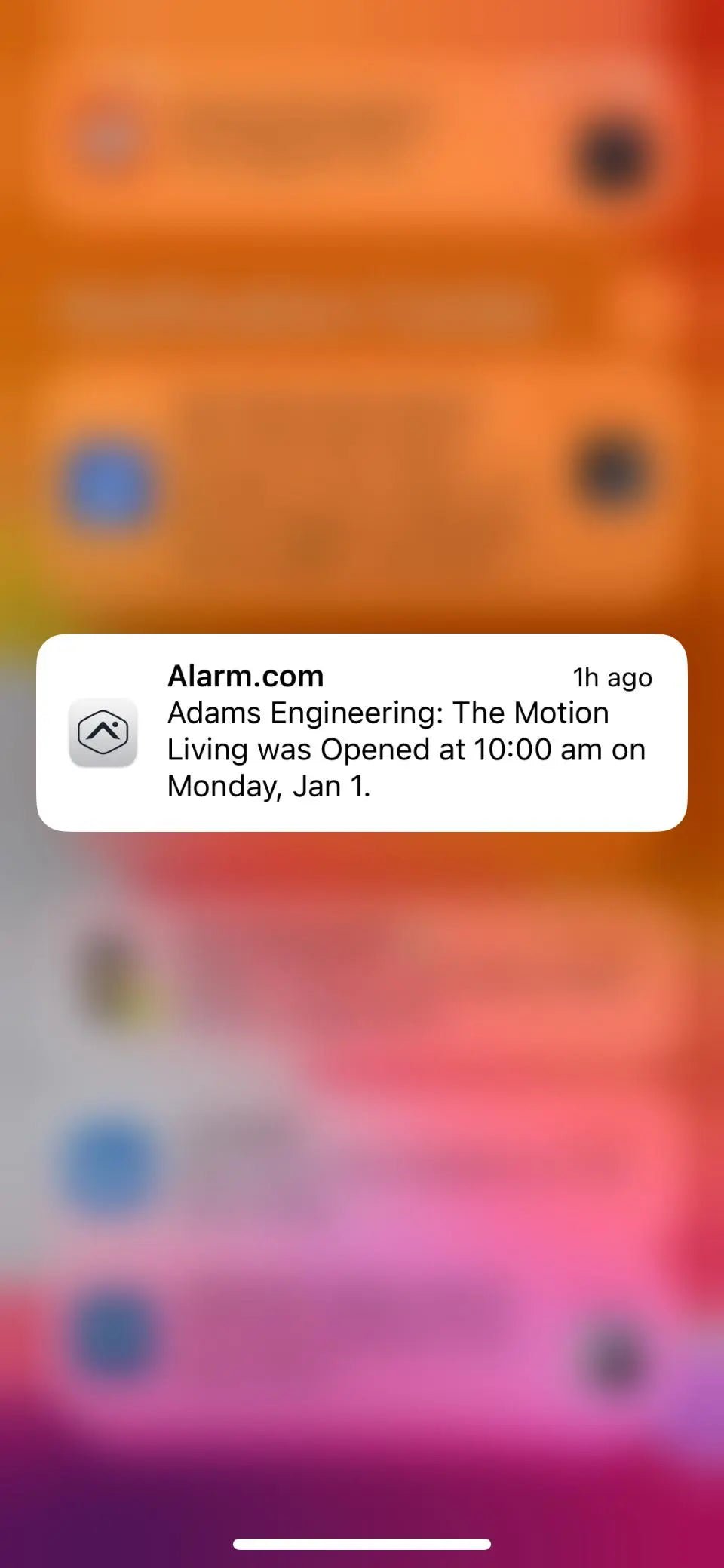
Alarm event notifications can keep owners, managers, and authorized users informed about activity at a property. Depending on the equipment and service plan, notifications may be delivered through an app, text message, email, or push alert.
Notifications are useful, but they are not the same as professional alarm monitoring. An app alert tells a user that an event was reported. A monitored alarm service sends supported alarm signals to a monitoring center, where operators follow the response instructions on file. The exact behavior depends on the panel, communicator, platform, user settings, and subscription.
Events that may generate notifications
Compatible systems can report more than burglary alarms. Available event types vary, but may include:
- the system being armed or disarmed;
- an alarm, trouble, or supervisory condition;
- a door or window opening when a selected rule is active;
- a user code or credential being used;
- a device with a low battery or loss of communication;
- a scheduled arming reminder or failure-to-arm notice;
- supported access-control or video events.
Not every panel exposes every event, and not every service tier includes every notification option. Existing systems should be reviewed before any feature is promised.
Event alerts versus alarm dispatch
An alert to a phone does not guarantee that a monitoring center received the event, that an operator reviewed it, or that emergency services were requested. Professional monitoring follows a separate response workflow based on the signal received, applicable procedures, permits, and the contact instructions on the account.
For that reason, users should avoid relying on a single phone notification as the only response method for a high-priority alarm. Keep the call list current and understand which signals are monitored, which are informational, and which are delivered only to app users.
Build a useful notification plan
Too many alerts are easy to ignore. A better plan assigns the right events to the right people.
- Choose priority events. Send urgent alarms and communication failures to people who can act.
- Use schedules. Limit routine open, close, or activity alerts to the periods when they matter.
- Name users clearly. Individual codes and credentials create a more useful activity history than shared codes.
- Test delivery. Confirm that app permissions, phone settings, email filters, and contact information are current.
- Review access. Remove former employees, contractors, and unused devices promptly.
What is required
Remote notifications usually require compatible connected equipment, reliable communication, an active platform or monitoring plan, and a properly configured user account. Alarm.com or another supported platform may be used where compatible. Platform features and subscription requirements can change, so the written proposal should identify exactly what is included.
A closed local CCTV recorder that is not connected to an approved network or cloud platform cannot provide internet-based app alerts on its own. Likewise, older alarm panels may need a compatible communicator or other upgrade before remote features are available.
Privacy and account security
- Use a unique password and enable multi-factor authentication when the platform supports it.
- Give each user an individual account rather than sharing one login.
- Assign only the permissions each person needs.
- Review user access after staffing or occupancy changes.
- Keep mobile devices updated and protected with a screen lock.
If you are comparing alert features with professional service, read our overview of home security monitoring and our guide to local service versus monitoring-center responsibilities.
Confirm compatibility before you buy
Avenger Security can review an existing system or propose compatible equipment for an Austin-area property. The final quote should list the supported notifications, communication path, app or platform fees, monitoring features, and any equipment required to deliver them.